

Description
Contributor Photo Gallery: Display, Customize & Share Your WordPress.org Photo Contributions
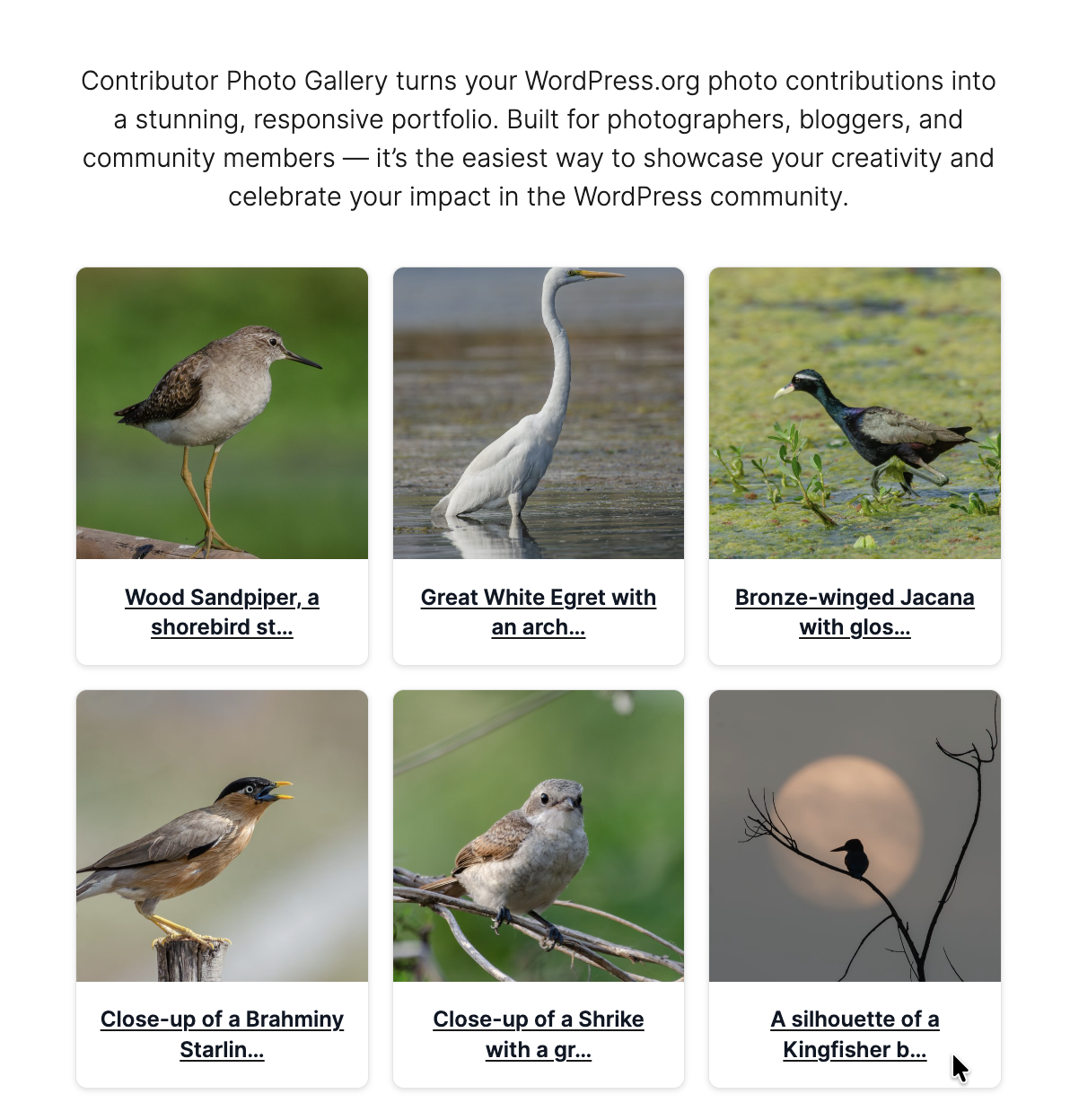
Contributor Photo Gallery is the easiest way to turn your WordPress.org/photos contributions into a professional, responsive gallery.
Built for photographers, agencies, and WordPress community members, it helps you create a beautiful portfolio or add authentic visual credibility to your site, with no coding required.
Why Use Contributor Photo Gallery?
Fast & Easy: Display your WordPress.org photos with a single shortcode.
Username or ID: Enter your WordPress.org username or numeric User ID; usernames are resolved automatically.
Multiple Styles: Choose from Modern, Polaroid, Circle, and Fixed Height card designs.
Fully Customizable: Adjust borders, shadows, backgrounds, and caption colors.
Live Preview: Configure and style in the admin with instant preview updates.
SEO & Accessibility: Semantic HTML, alt attributes, and WCAG-friendly controls.
Performance-Minded: Smart caching, lazy loading, and optimized API calls.
Backwards Compatible: Supports [cp_gallery] (new) and [wpcontrib_photos] (legacy).
Perfect For:
- Photographers: build a WordPress-powered portfolio using your contributions.
- Agencies & Professionals: highlight team work beyond code.
- Speakers & Community Members: add credibility for profiles and bios.
- Bloggers & Content Creators: enrich content with authentic community photos.
Lightweight, privacy-friendly, and compatible with any WordPress theme, Contributor Photo Gallery gives you a polished way to showcase your WordPress.org photos with speed and style.
New in 2.6
- Enter your WordPress.org username or numeric User ID in settings. Usernames are automatically resolved to the correct User ID on save and cached for performance.
- Security hardening: direct-access protection added to internal classes.
- PHP coding-standards fixes and improved output escaping.
Highlights from 2.5
- Primary shortcode
[cp_gallery](legacy[wpcontrib_photos]still supported). - Card styles: Modern, Polaroid, Circle, Fixed Height.
- Caption text color, borders, backgrounds, and shadows with live preview.
Special Thanks
Special thanks to snilesh for his open-source WordPress.org photo contribution, which we are proud to feature in our plugin’s identity and marketing visuals.
Shortcodes
Primary Shortcode:
[cp_gallery]
Examples:
– [cp_gallery] : uses your saved settings.
– [cp_gallery per_page="12" columns="3"]
– [cp_gallery per_page="20" columns="4" user_id="21053005"]
Legacy Shortcode:
– [wpcontrib_photos] : still supported for backward compatibility.
Attributes:
– per_page : photos per page (1-50). Example: per_page="12"
– columns : grid columns (1-6). Example: columns="3"
– user_id : override the saved contributor ID with a numeric WordPress.org User ID. Example: user_id="21053005"
Note: The settings screen accepts either a username or a numeric ID. The user_id shortcode attribute expects a numeric User ID.
Support
- Documentation: https://github.com/askhellosatya/contributor-photo-gallery/wiki
- Issues: https://github.com/askhellosatya/contributor-photo-gallery/issues
- Discussions: https://github.com/askhellosatya/contributor-photo-gallery/discussions
For commercial support, contact: Satyam Vishwakarma
License
This plugin is licensed under the GPL v3. See the LICENSE for details.
Screenshots


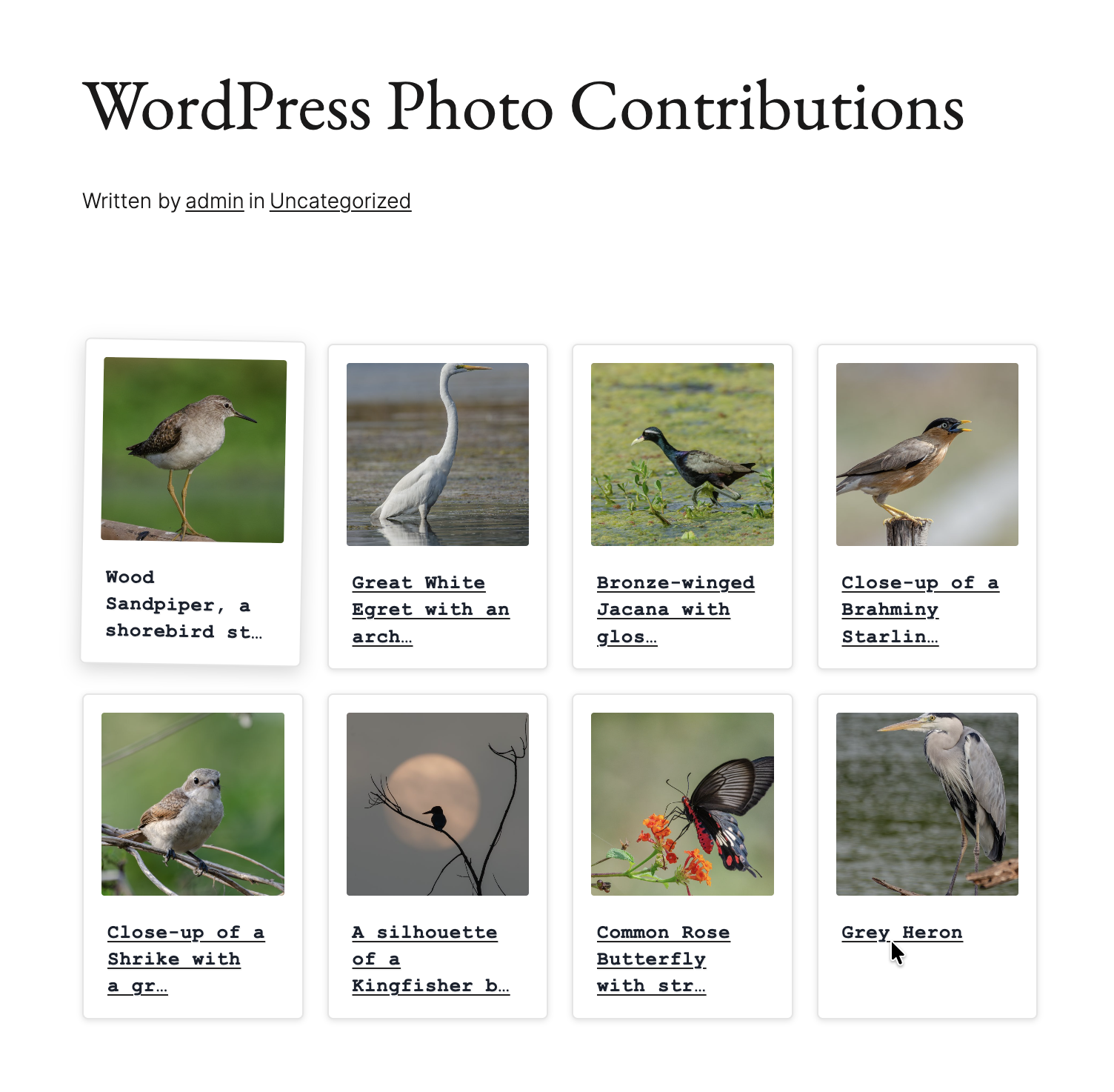
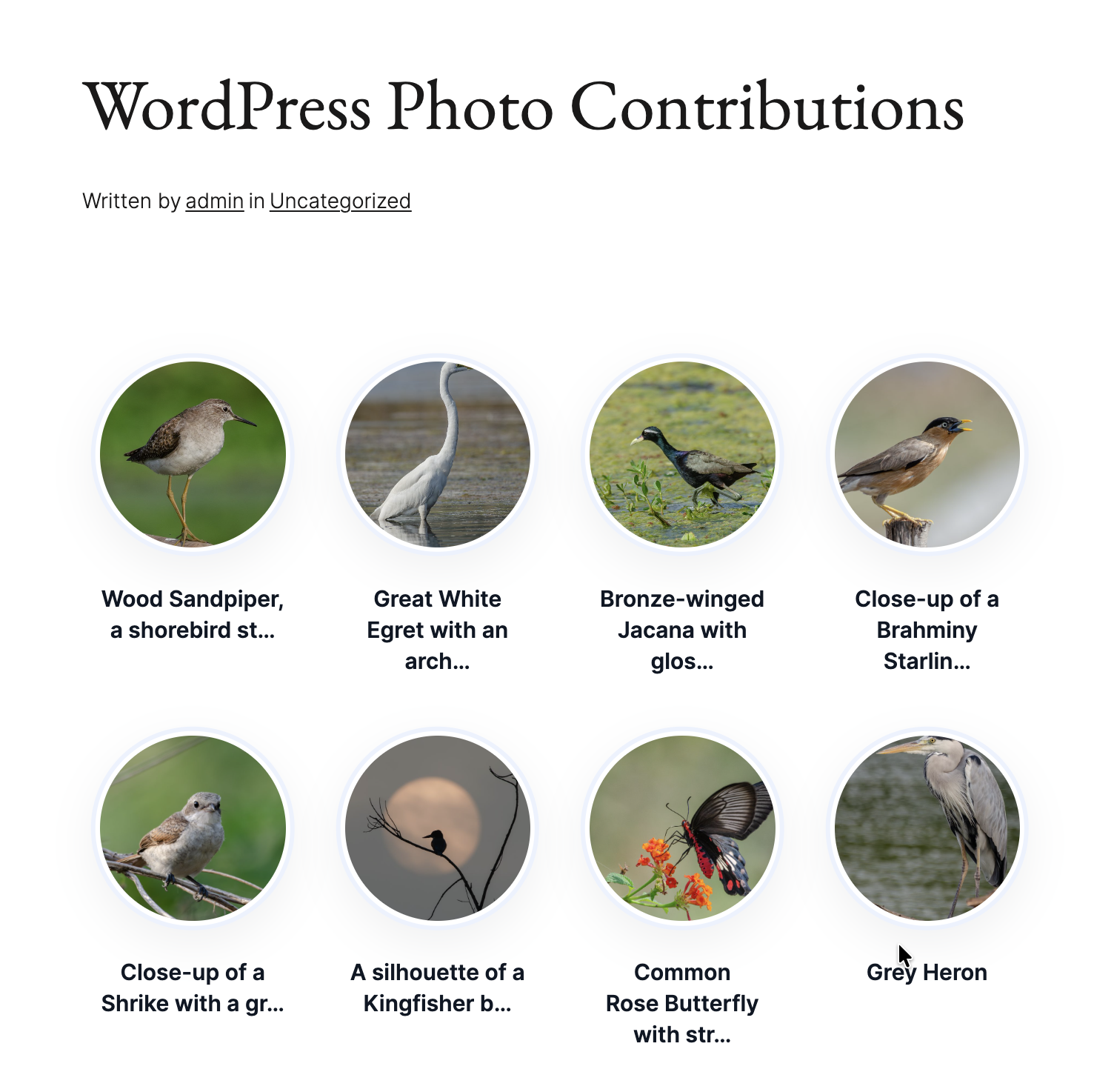
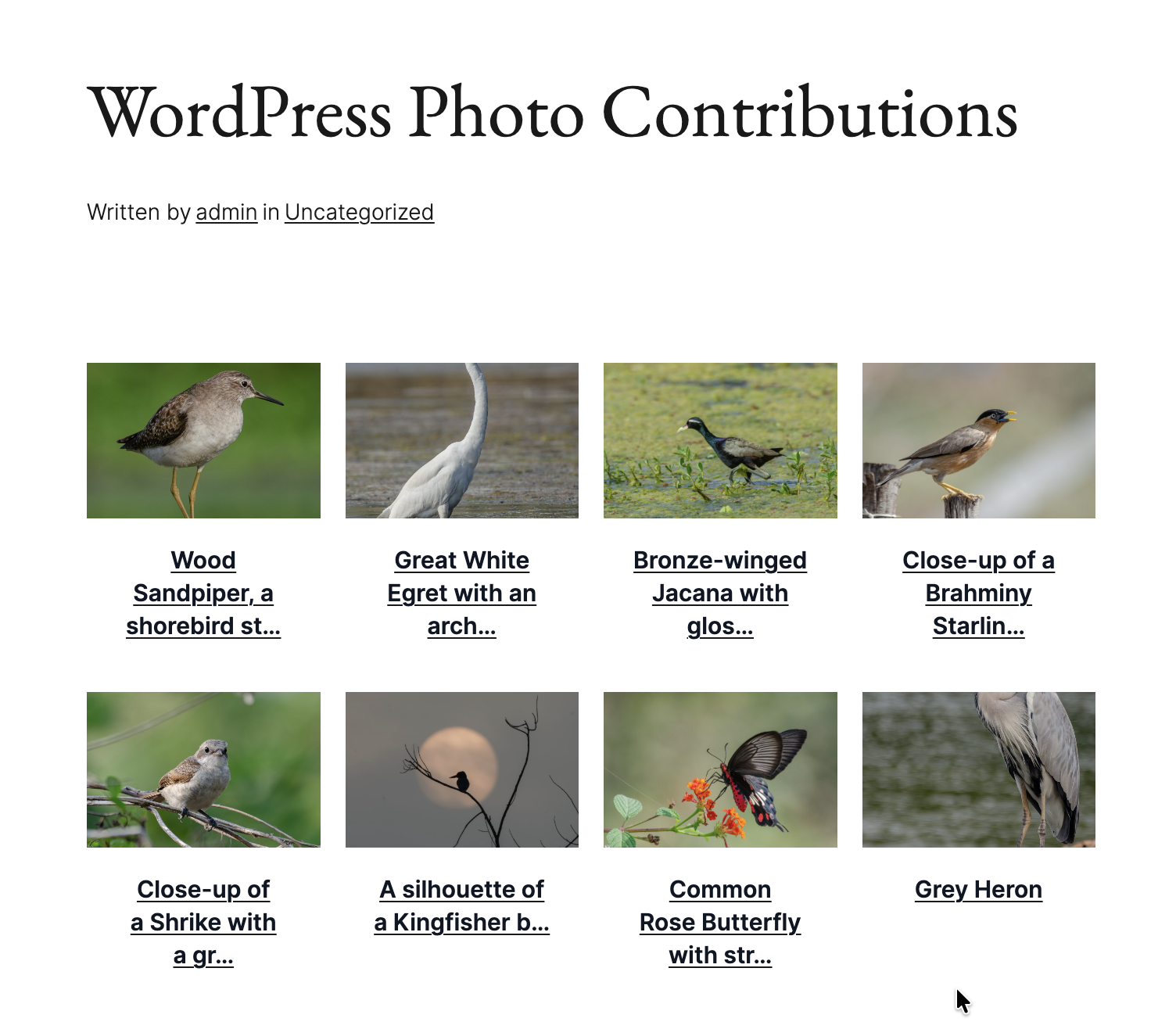
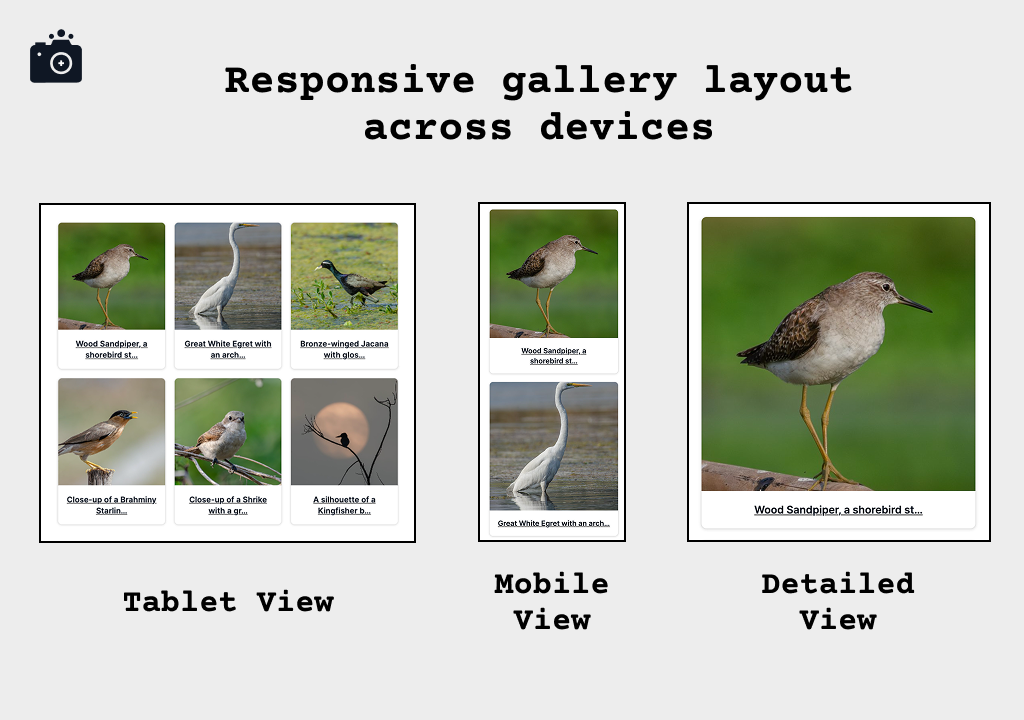
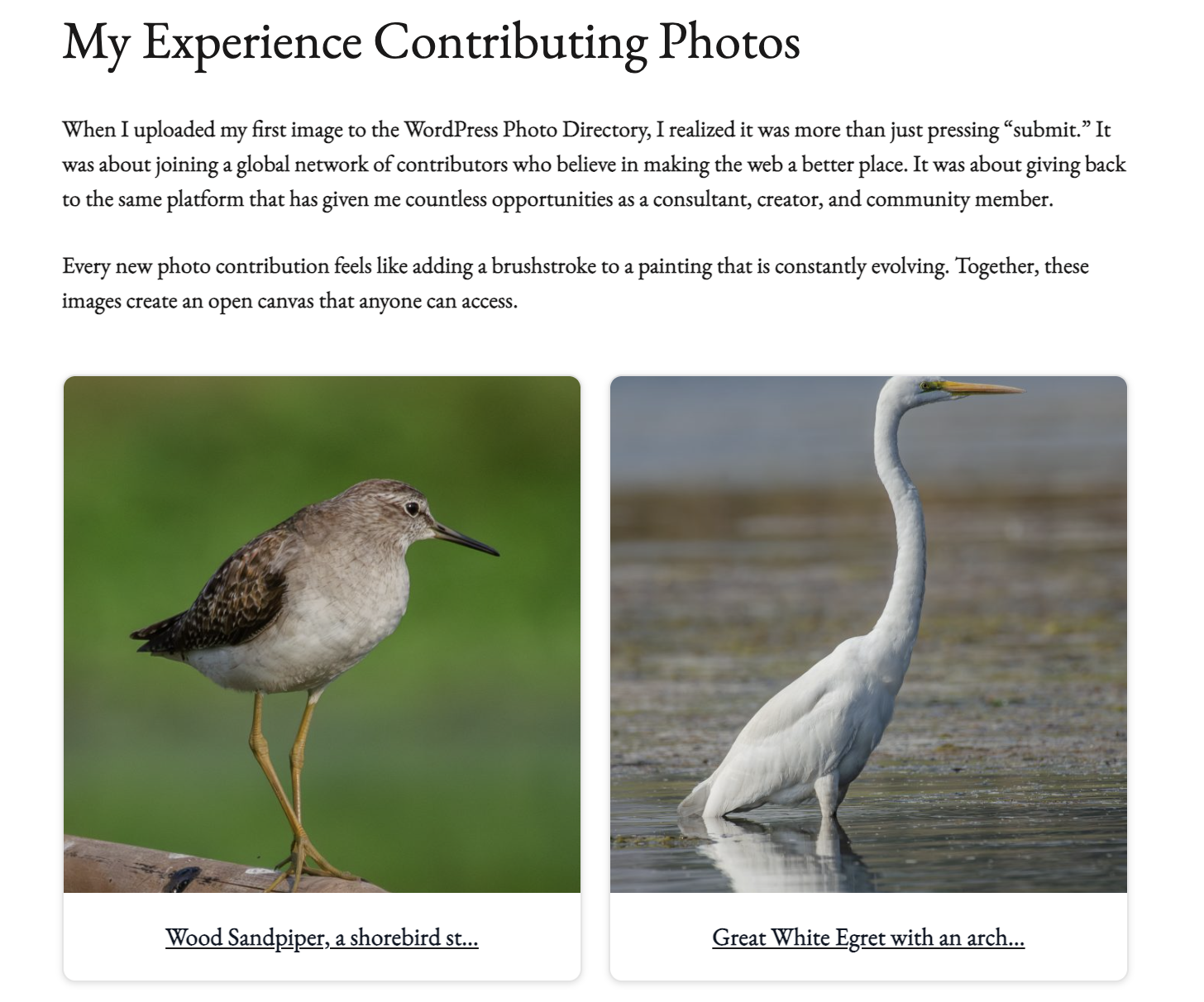
![Portfolio showcase using [cp_gallery per_page="20" columns="4"]](https://ps.w.org/contributor-photo-gallery/assets/screenshot-7.png?rev=3369943)

Installation
- Upload the plugin folder to
/wp-content/plugins/contributor-photo-gallery/or install via the Plugin Installer. - Activate through the “Plugins” menu.
- Go to Settings > Contributor Photo Gallery and enter your WordPress.org username or numeric User ID.
- Adjust styling (card style, borders, shadows, caption color) and save.
- Add
[cp_gallery]to any page, post, or widget.
FAQ
-
How do I set my WordPress.org profile?
-
As of version 2.6.0 you can simply enter your WordPress.org username (for example,
hellosatya) in Settings. The plugin resolves it to the correct numeric User ID automatically when you save. -
How do I find my numeric User ID?
-
If you prefer to enter the numeric ID directly, visit
https://wordpress.org/photos/author/YOUR-USERNAME/, right-click and choose “View Source”, then search forwp-json/wp/v2/users/. The number following the endpoint is your User ID. -
Will my settings be preserved on update?
-
Yes. Settings are stored safely and preserved during updates. Version 2.5.0 and later also migrate legacy options automatically.
-
Can I style the gallery with CSS?
-
Yes. The plugin outputs predictable classes like:
–.cpg-gallery-grid
–.cpg-photo-card
–.cpg-photo-contentYou can override these or use built-in CSS variables for deeper customization.
-
Will this plugin slow down my site?
-
No. It is optimized with:
– Smart caching (configurable from 5 minutes to 24 hours).
– Lazy loading images.
– Lightweight, semantic markup.
Reviews
There are no reviews for this plugin.
Contributors & Developers
“Contributor Photo Gallery” is open source software. The following people have contributed to this plugin.
Contributors


“Contributor Photo Gallery” has been translated into 2 locales. Thank you to the translators for their contributions.
Translate “Contributor Photo Gallery” into your language.
Interested in development?
Browse the code, check out the SVN repository, or subscribe to the development log by RSS.
Changelog
2.6.1 – 2026-07-07
- Security: Added ABSPATH guards to the API and Cache classes to block direct file access.
- Fixed: PHP coding-standards issues flagged by Plugin Check and PHPCS.
- Improved: Output escaping of inline styles and layout consistency in the gallery grid template.
- Developer: Added a Docker-based local development environment and GitHub Actions release-build workflow.
2.6.0 – 2026-06-23
- New: Enter a WordPress.org username or a numeric contributor User ID in settings.
- New: Usernames are automatically converted to the correct User ID on save, then cached for performance.
- Improved: Updated field placeholder, help text, and validation for username support.
2.5.1 – 2025-09-10
- Fixed: Review notice styling inconsistencies (spacing, alignment, and typography).
- Fixed: Uneven photo card layouts by standardizing aspect ratios and scaling.
- Fixed: Overlapping and stacking issues in edge cases.
- Changed: Function prefix updated from
cpg_tocpglry_for clarity and conflict avoidance. - Improved: Cross-browser and cross-device reliability.
- Improved: Polaroid-style font for a more authentic vintage look.
2.5.0 – 2025-08-16
- New primary shortcode
[cp_gallery]. - Legacy shortcode
[wpcontrib_photos]preserved. - Caption text color option with live preview.
- New gallery styles: Polaroid, Circle, Fixed Height.
- Advanced card customization (backgrounds, borders, shadows).
- Auto-refresh preview (removed manual refresh button).
- Minimum WordPress version bumped to 5.8.
2.0.3
- Security improvements and caching refinements.
2.0.0
- Major UI/UX overhaul, responsive grids, live preview, performance updates.
1.0.0
- Initial release with gallery fetch from WordPress.org/photos.